Muse
Discover real design. Explore endlessly.
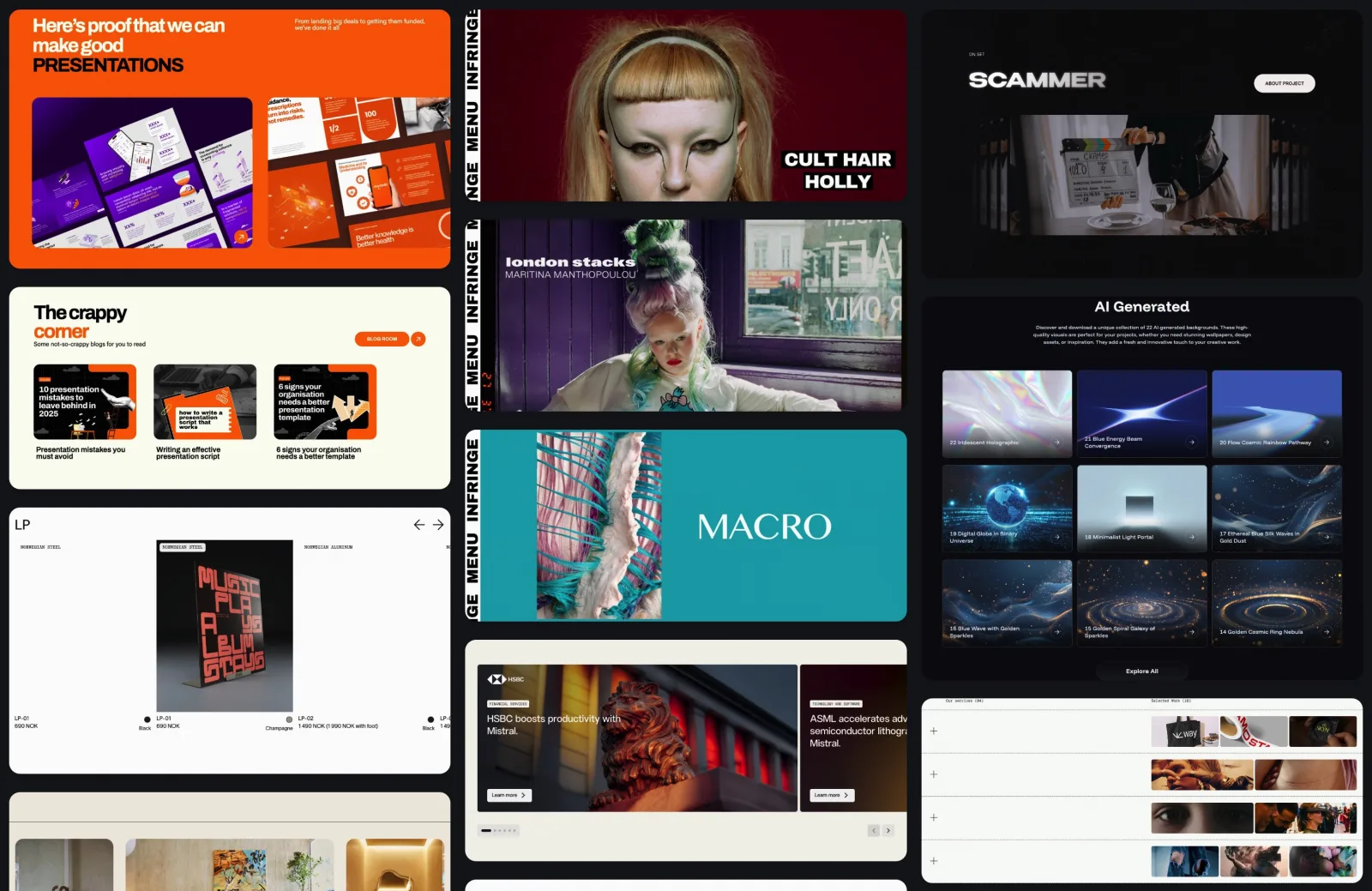
Fresh real-site sections, a curated motion library, and character-based image effects. Explore endless variations, make them yours, and export clean code.
Three channels, one library
Sections
Real websites broken into pieces you can use — hero, pricing, features, footers. Lock the layout and swap the color, cycle through variations instantly and free.
Motion
A curated library of web motion, yours to edit before you use it. Change the content, tune the timing — it comes out as self-contained code.
Image
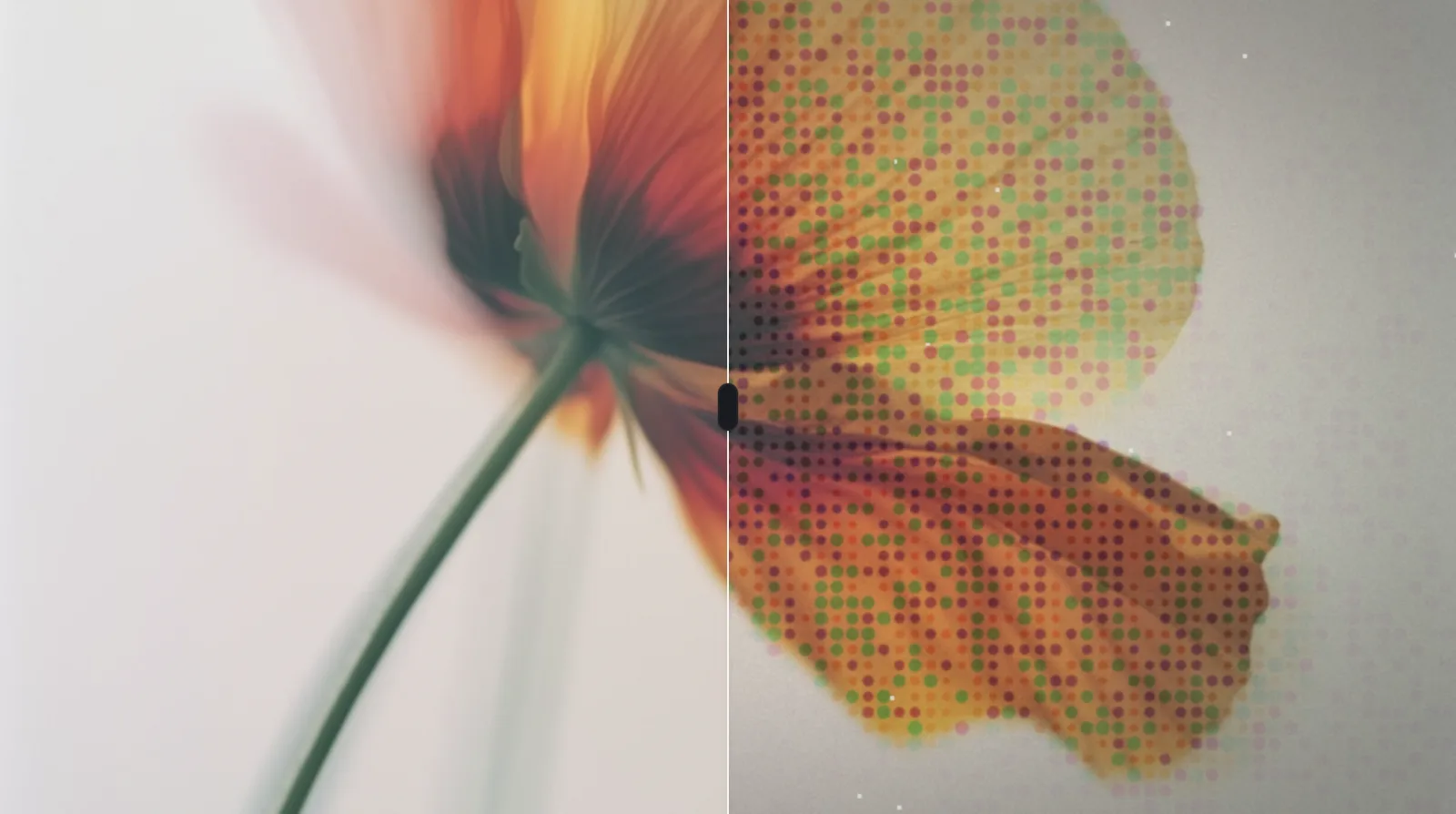
Turn any picture into ASCII and other character-based effects. Export the result as an image, or as the code that produces it.
A look inside

How Muse works
- 01
Discover
Browse three channels — real-site sections refreshed daily, curated web motion, and character-based image effects — organized by type, style, and industry.
- 02
Explore
Lock a layout and swap colors and aesthetics, cycle through section variations instantly, or run any picture through an ASCII effect.
- 03
Make it yours
Open a section on StackPro’s canvas and edit text, images, colors, layout, and sections directly. Motion is editable too — change the content and tune the timing before you use it.
- 04
Use it in your pages
Sections come out as clean, self-contained HTML, motion as self-contained code, and an effect as a finished image — each in a form you can drop straight into the page you are building.
Muse vs the old way
| What you’re doing | The old way | Muse |
|---|---|---|
| Finding inspiration | Static screenshots | Live sections, motion, effects |
| Trying directions | One layout | Endless variations |
| Making it yours | Rebuild it yourself | Edit on the canvas |
| Using the result | Copy by eye | Use it, and make it yours |
FAQ
More
Get started
It starts with finding inspiration: a section, its variations, its motion, its image effects — the whole chain of a design idea, in one place.